
Take any payment in one sale
Combine cash, bank transfer, card terminal, gift card, loyalty points and a customer's advance balance in one sale. Moniepoint and OPay terminal payments are recorded at checkout.
For shop, supermarket, bar and restaurant owners with several tills or branches.
Part cash, part transfer on one sale. Every sale updates your stock and your books as it is rung up.
Simplebks POS is the till inside your Simplebks account. Every sale updates your stock and your books as it is rung up. POS comes with the Professional plan; Enterprise adds restaurant table service, the 24-hour offline till and ads on the customer screen. See plans and pricing.
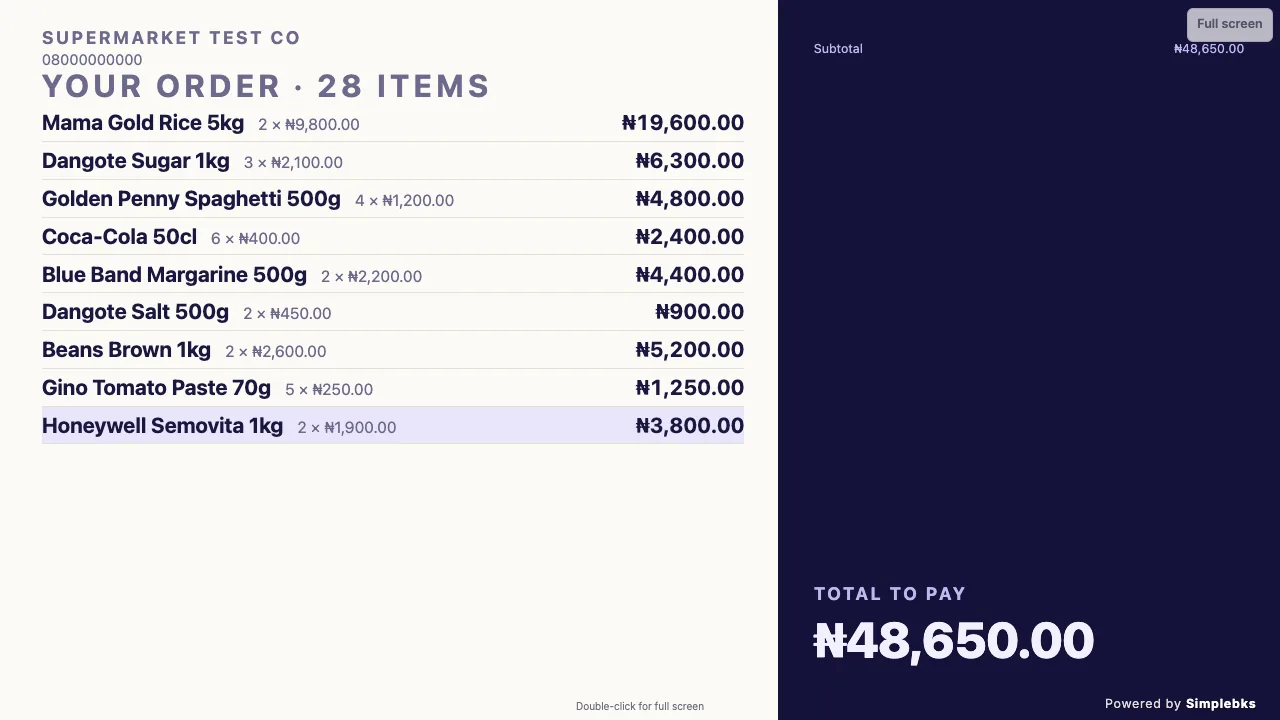
The customer display mirrors the cart on a second screen as you ring up the sale.
Combine cash, bank transfer, card terminal, gift card, loyalty points and a customer's advance balance in one sale. Moniepoint and OPay terminal payments are recorded at checkout.
Open and close every register with a cash-up report. A supervisor approves discounts, refunds and credit sales by PIN, and the till warns before an item sells below cost.
Scan barcodes and weighing-scale labels, use quick keys for best sellers, and sell by carton or by piece.
Process returns, exchanges and voids with a reason, and stock goes back where it belongs. Sell on credit with a supervisor's approval, and park a sale for later.
Promotions apply themselves at checkout. Customers earn and redeem loyalty points at the till, and you can issue, redeem, top up and reissue gift cards.
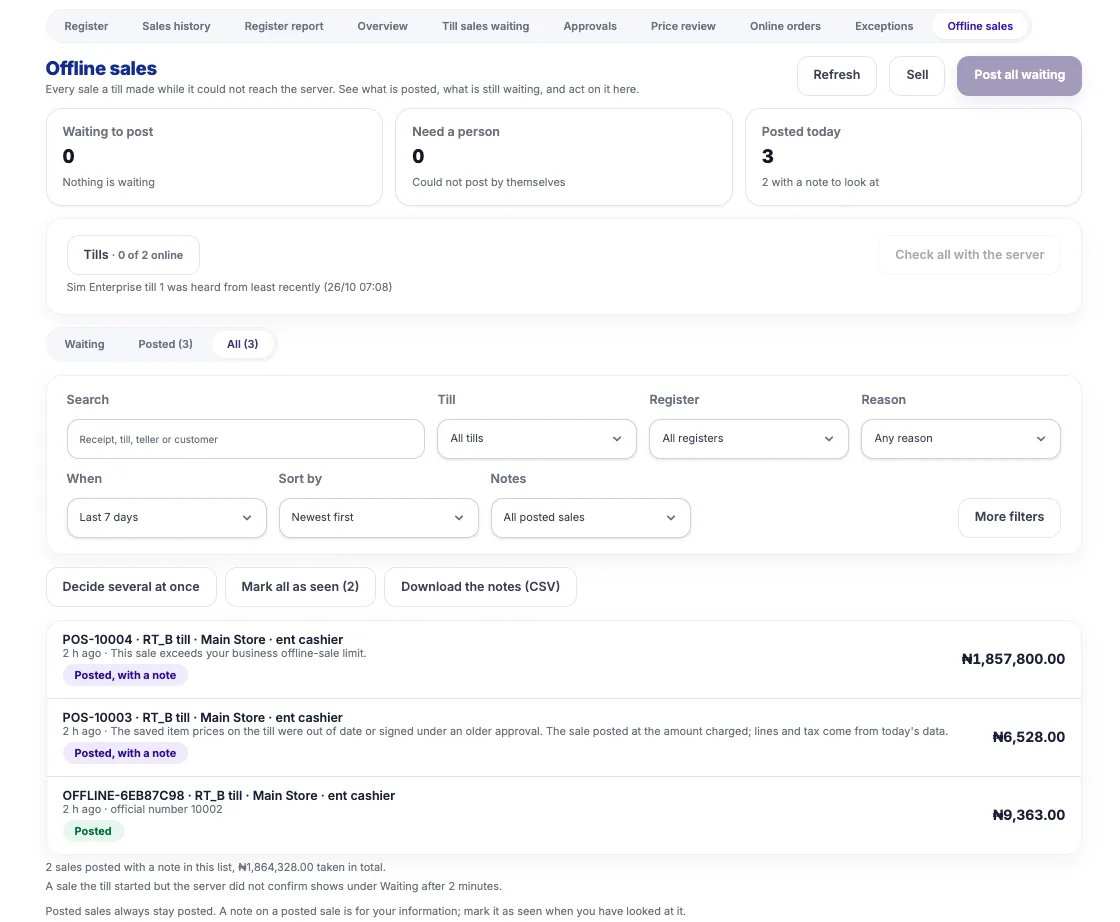
On the Enterprise plan, an approved till keeps selling for up to 24 hours with no connection, then syncs. Anything unusual goes to an exceptions report instead of blocking the sale.
Enterprise turns the same till into table service: a floor plan, kitchen and bar screens, open tabs, split bills, tips, and bank transfers matched to the right bill.
The QR menu is on Professional and Enterprise. Letting guests order straight from their table is an Enterprise feature.
With more than one branch (Professional and up), choose which branches sell which products on the POS and invoices.
Print on a 58 mm or 80 mm thermal printer, download or email a PDF, or send a receipt link on WhatsApp.
| Professional | Enterprise | |
|---|---|---|
| Registers, split payments, card-terminal payments | ✓ | ✓ |
| Returns, exchanges, voids, credit sales, parked sales | ✓ | ✓ |
| Promotions, loyalty points, gift cards | ✓ | ✓ |
| Barcode and scale labels, price checker | ✓ | ✓ |
| Quick keys, supervisor approvals, staff targets | ✓ | ✓ |
| Customer screen | ✓ | ✓ with your own ads |
| 24-hour offline till | No | ✓ |
| Offline sales screen (post waiting sales, review exceptions) | No | ✓ |
| QR menu | ✓ | ✓ |
| Guests order from the QR menu | No | ✓ |
| Restaurant table service (floor plan, kitchen screens, tabs, split bills, tips) | No | ✓ |
Yes. Activate your terminal once in Settings, Bank Accounts, then choose Card Terminal at checkout, pick Moniepoint, OPay or Other and add the slip reference. Not available while the till is offline. Simplebks records the payment; there is no live link to the terminal provider. Each terminal payment stays marked unverified until it shows up in your bank reconciliation, then it is marked verified.
Yes, on the Enterprise plan. An approved till keeps selling for up to 24 hours with no connection, then syncs. One Offline sales screen shows what is waiting and what needs a person.
Yes, on Enterprise. You get a floor plan, kitchen and bar screens, tabs, bills split by item, seat or equally, merged tabs, tips, and bank transfers matched to the right bill.
Yes, on Enterprise. The QR menu is on Professional and Enterprise; guests ordering from the table is Enterprise only.
Yes. When a user doesn't have the permission for a discount, refund, loyalty redemption, gift-card payment or credit sale, a supervisor approves it with a PIN at the till or from the remote approvals queue.
Yes. One sale can combine cash, bank transfer, card terminal, gift card, loyalty points and a customer's advance balance.
Ring up a sale and your stock and books update with it.